

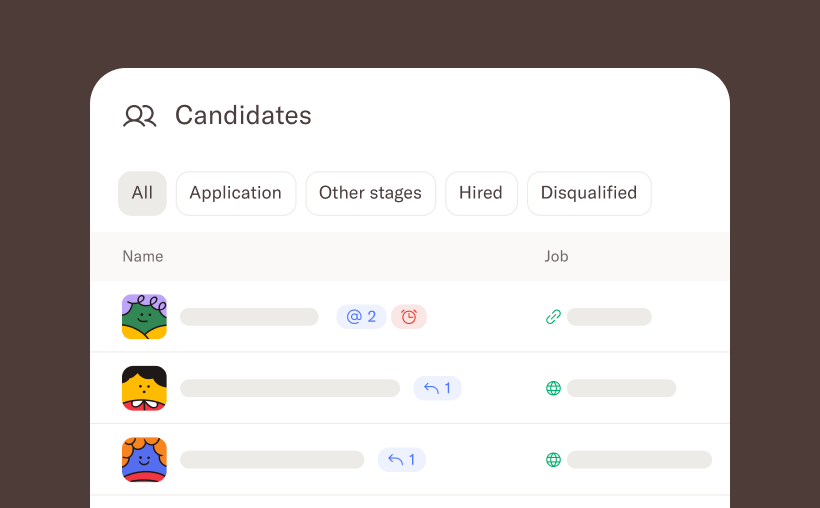
If you're hiring across several roles at once, you know the drill: open a job, check the candidates, switch to the next job, repeat. It works, but it's slow, and it's easy to miss things.
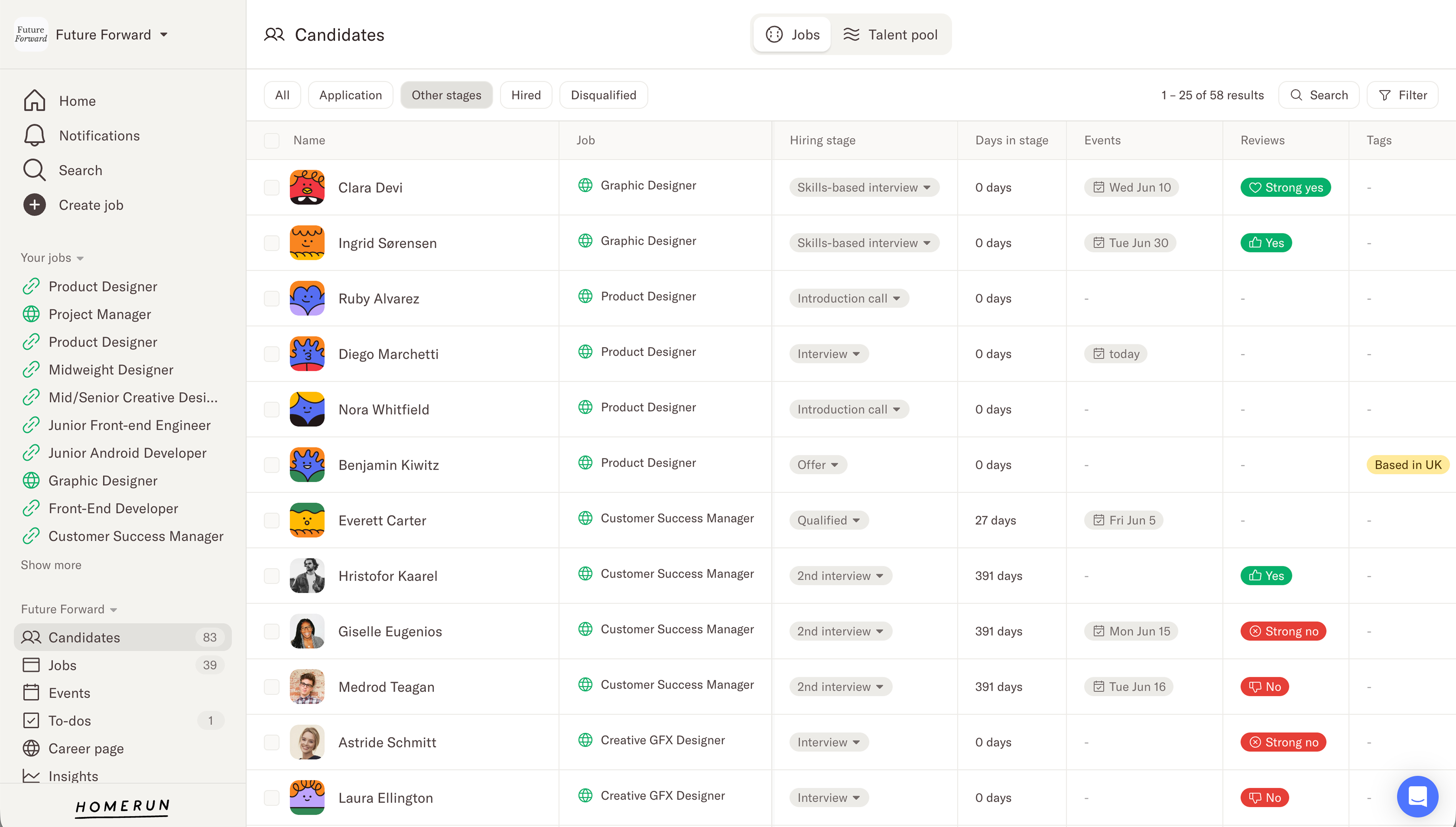
Filter and search for what actually matters
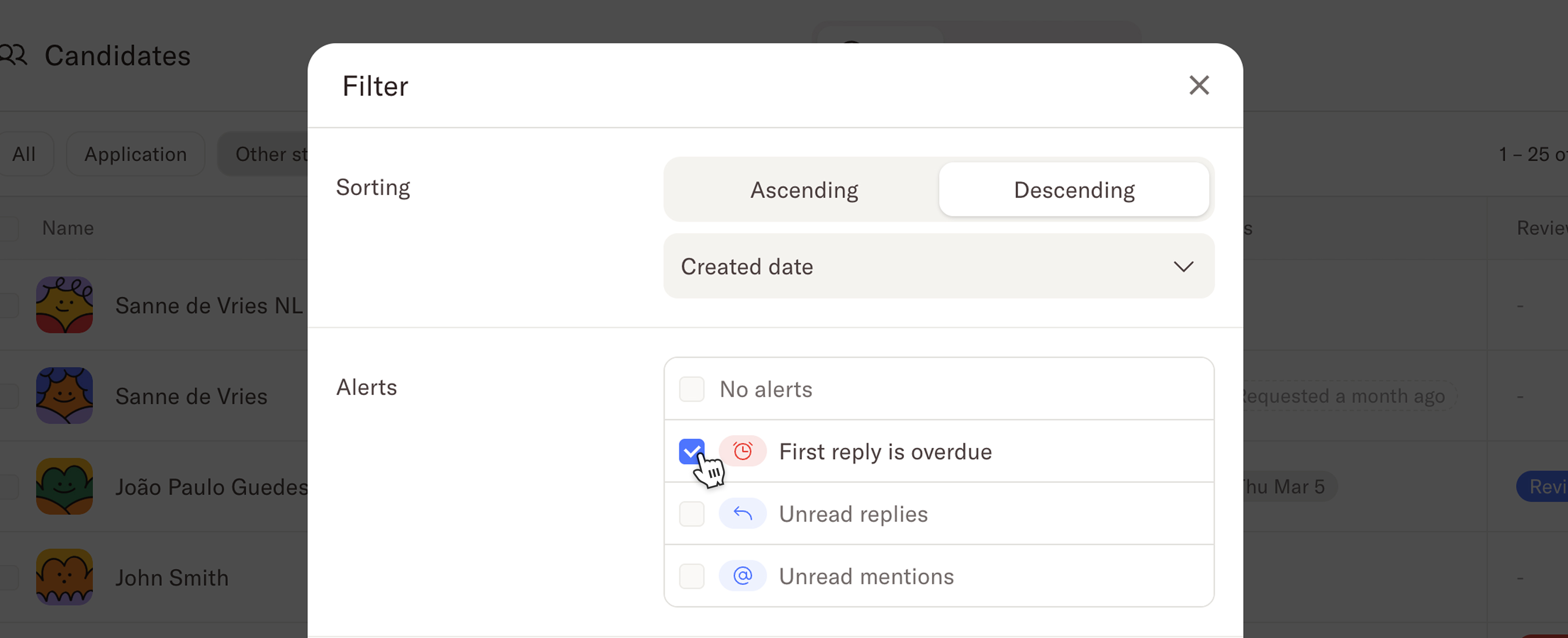
You can now filter your candidates list in ways that surface exactly who needs attention — across every job, all in one place. New filters include:
- Stage — find candidates in a specific stage by name
- First reply overdue — candidates that are still waiting for their first reply
- Unread replies — candidates that have replied to your email but you haven't read their reply yet
- Unread mentions — candidates where a team member has mentioned you and you haven't seen that comment yet
- Events — candidates who need an event scheduled, have one coming up, or have a pending scheduling request
- Data retention — candidates where their data retention period has expired or is expiring soon
- Needs your review — candidates waiting on your review after an event
Existing filters like job filtering, application reviews, origin, and tags are still available, and we've expanded them further. You can now filter by tags, source, and disqualification reason — each with a "none" option, so it's just as easy to find candidates who aren't tagged, sourced, or disqualified as it is to find ones that are.
Search has gotten more powerful too. You can now search across candidate names, tags, sources, and vacancy names, so you can find who — or what — you're looking for without knowing exactly which job they applied to.
The other great thing is that filtering and search both work across multiple jobs, so you can view all candidates that need attention and take action from there.
Take action without leaving the page
The bulk actions you already know from within a job are now available directly from the Candidates page — so you can act on a filtered list without ever clicking into individual jobs:
- Message candidates in bulk
- Move to stage (when a single job is selected)
- Disqualify or delete candidates
- Move to job
- Extend data retention requests
- Add or remove tags on candidates in bulk
- Add to talentpool in bulk
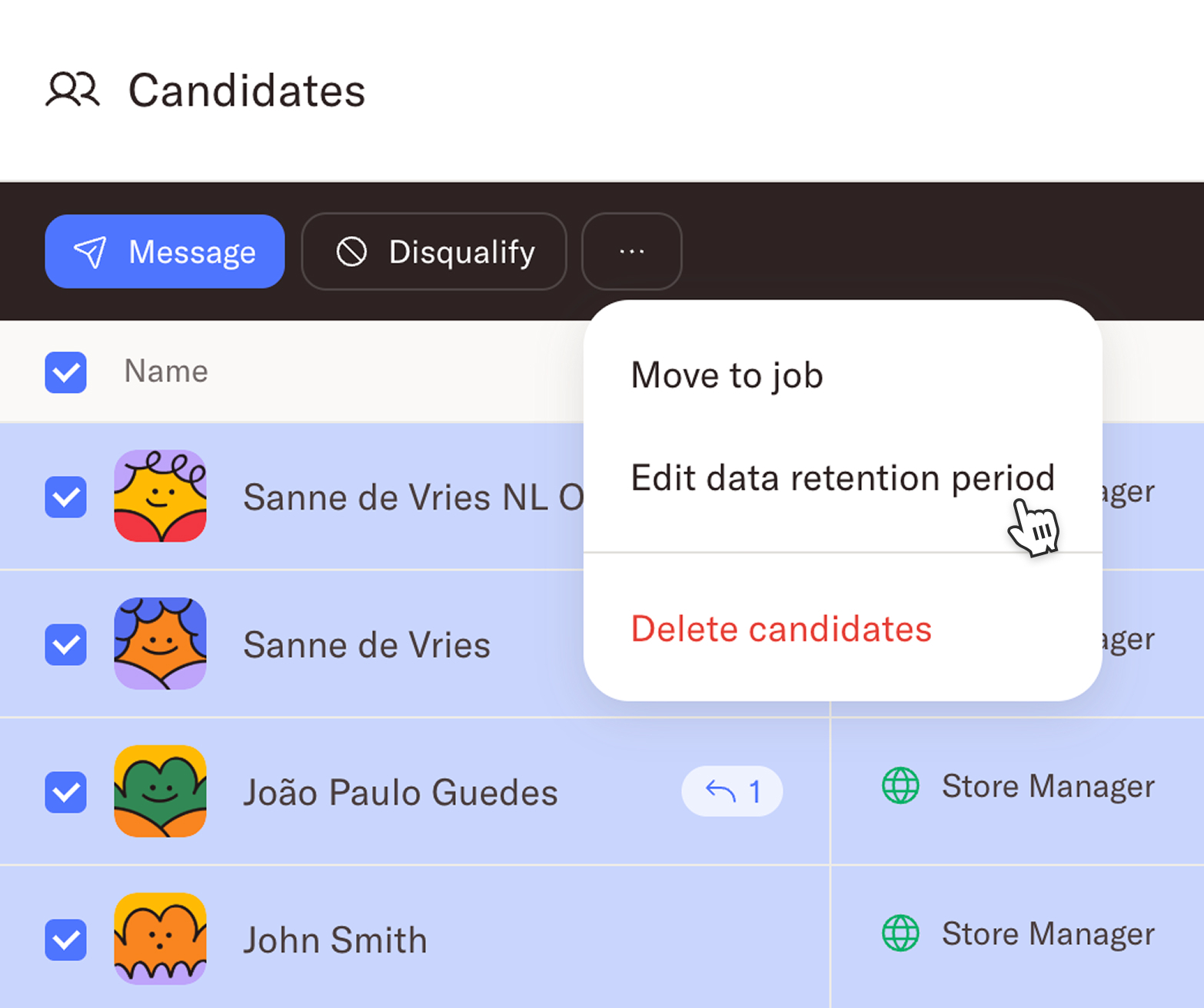
Bulk actions respect your hiring team role, which means admins can take all actions, while other roles see only what they're permitted to do. If an action can't be applied to every selected candidate, it simply processes the ones it can.
More information, right in the table
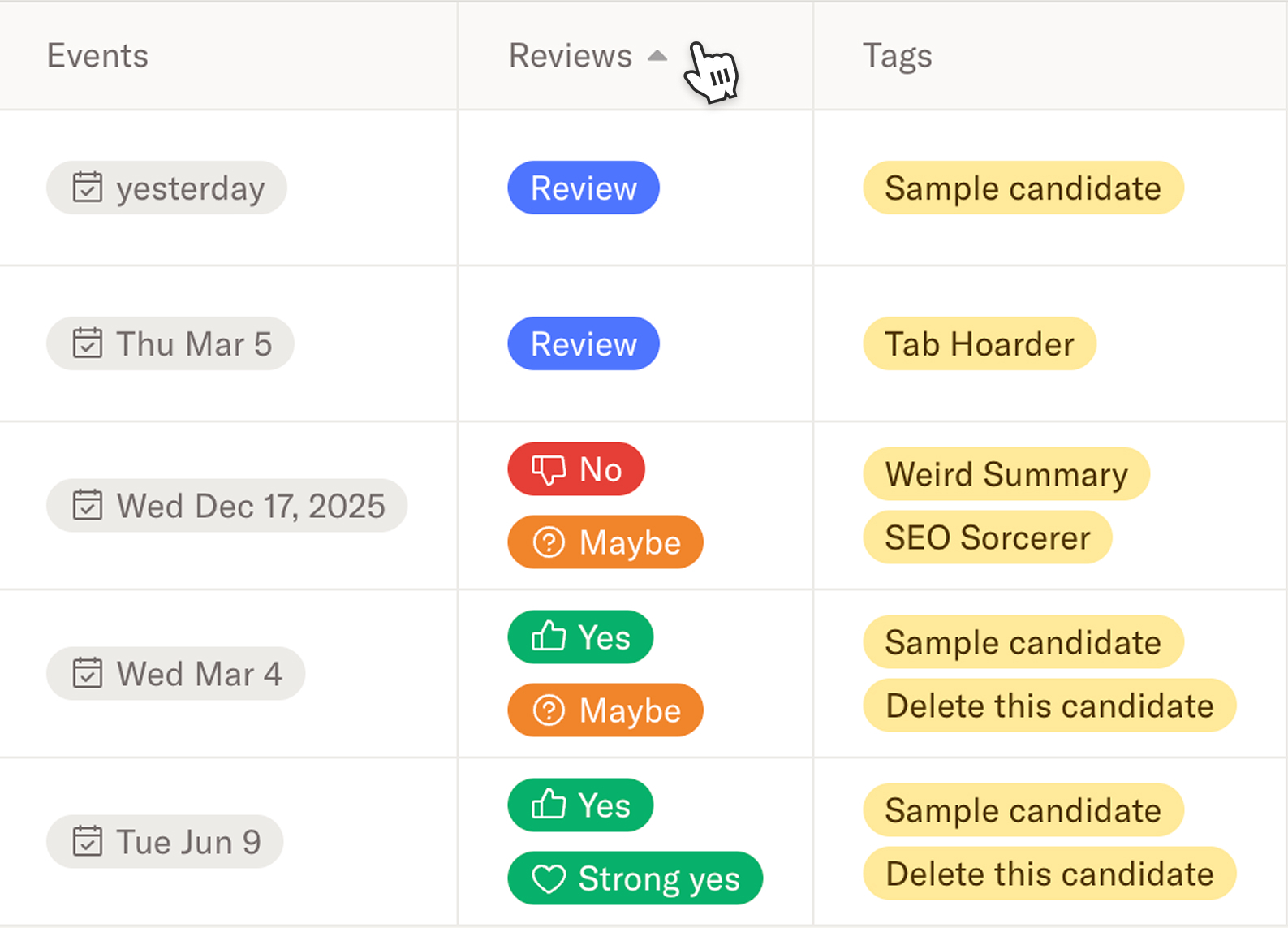
The candidates view now includes additional columns to give you more context without opening a profile. This includes the number of days in that stage, current stage, tags, events (scheduled and ones in the past) and reviews. You can now also edit tags directly from the candidate table — no need to open a profile just to add or remove one. Sorting on any of the new columns or alert (like the first reply) will help surface the candidates that require action.
The updated Candidates page with new filters, search, bulk actions, and inline tag editing is now available to all Homerun ATS users. Head to the Help Center if you have any questions.
.webp)
.webp)
%20(3).webp)