

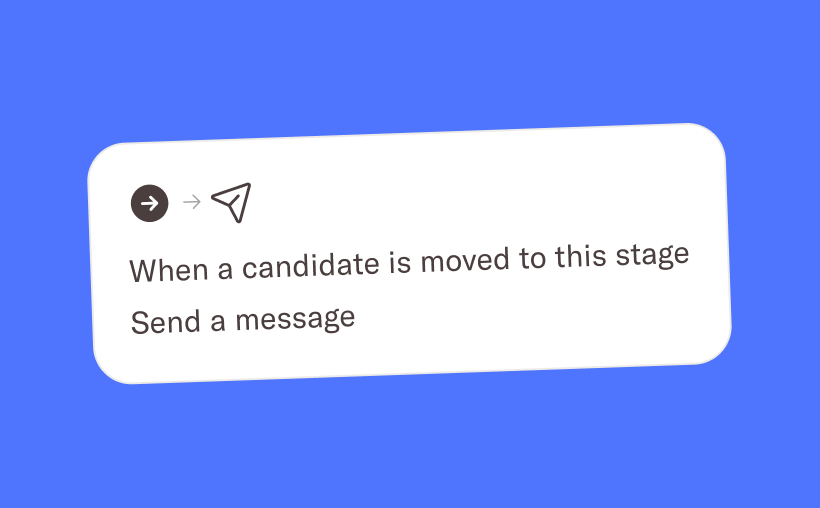
You can now set up automated emails directly within your hiring stages. Whenever a candidate is moved to a specific stage, the corresponding email will automatically be sent to them. Simply configure the email once per stage, and Homerun will handle the rest. By automating these repetitive communication steps, you can create a smoother candidate experience while freeing up time to focus on the parts of hiring that require a human touch.
Stage automations
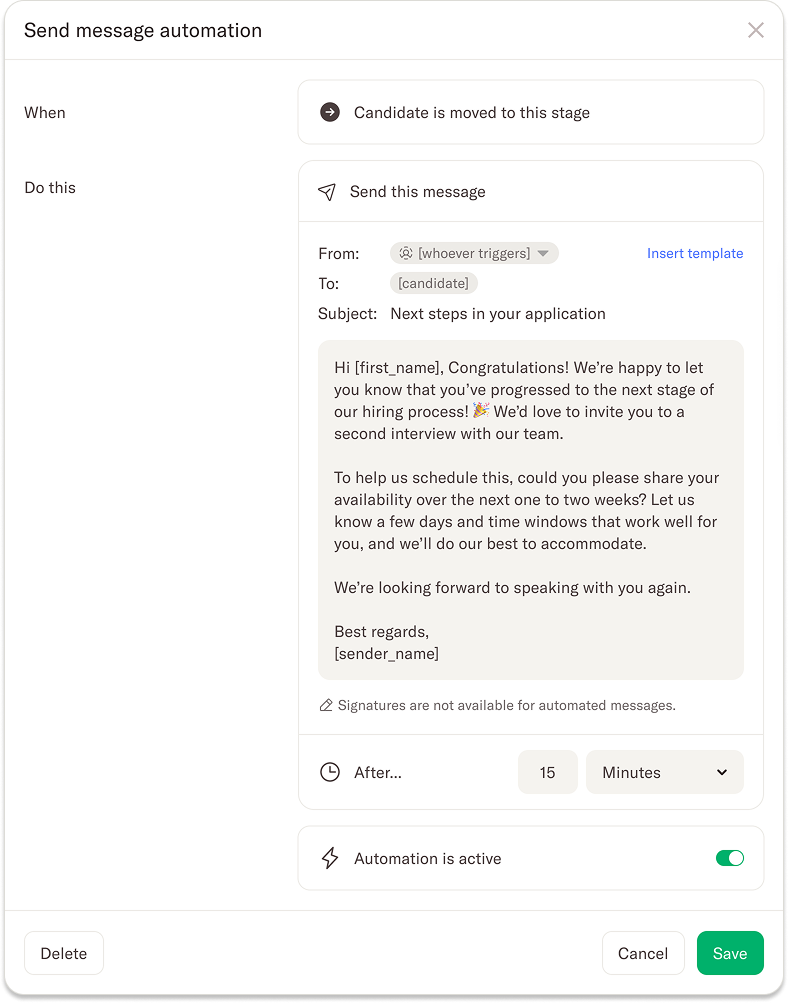
You can configure email automations in the job settings for all stages except the “Application” and “Disqualified” stages. In the settings, you can select an existing email template or write a custom email from scratch — whatever fits your workflow best. Once the automation is saved, the email will automatically be sent 30 minutes after a candidate enters that stage.
To make things clear and transparent, a blue lightning bolt icon next to the stage name indicates when an automation has been set up. This gives you a quick visual overview of which stages include automated communication.
Scheduled emails
When a candidate moves to a stage with an email automation enabled, the email is scheduled to be sent after 30 minutes rather than immediately. This short delay gives you flexibility — you can cancel the scheduled email or make adjustments if needed before it goes out.
We hope this new automation feature helps you streamline your hiring process, improve communication with candidates, and give your team valuable time back to focus on what really matters.
.webp)
.webp)
.webp)