

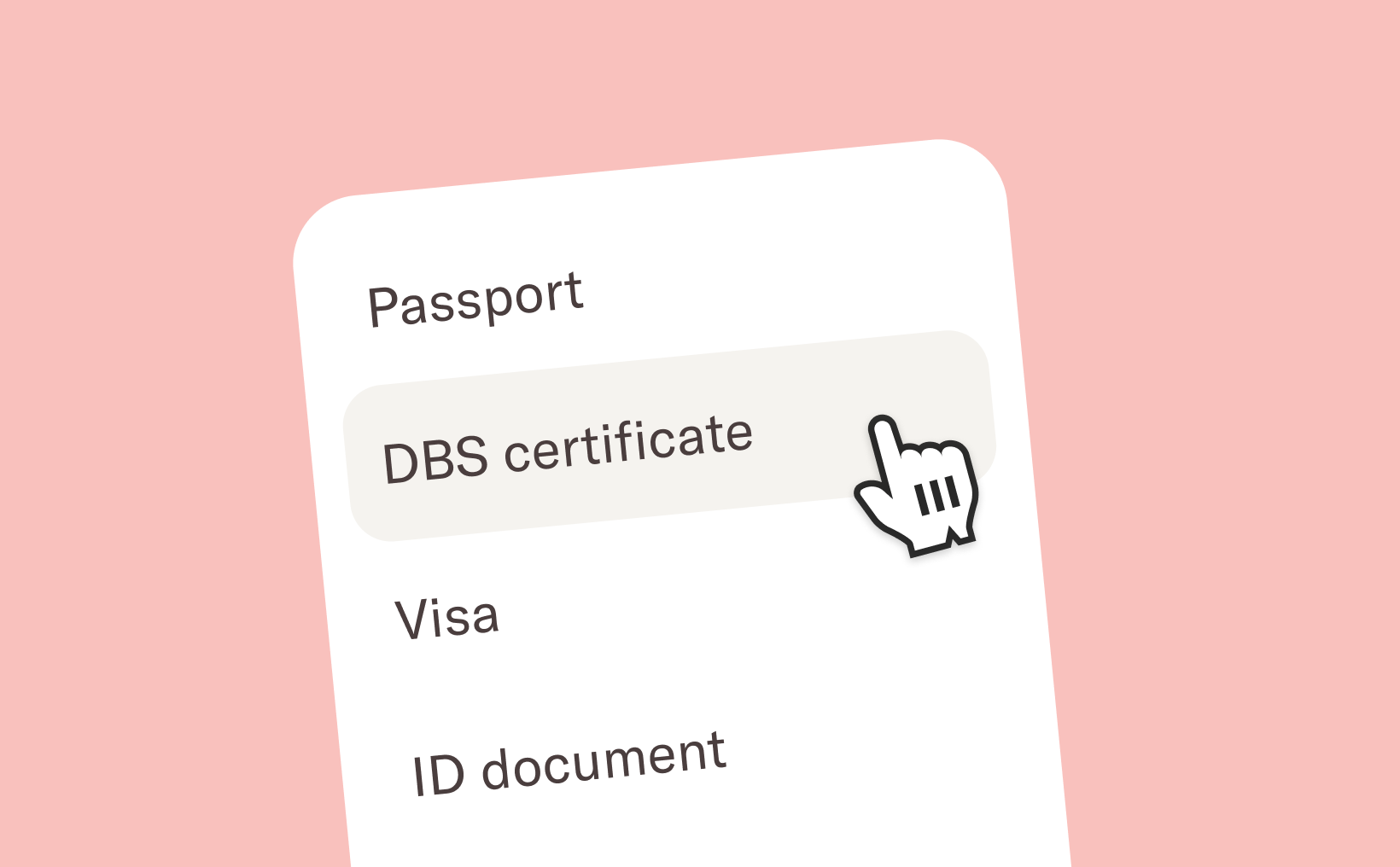
Compliance documents
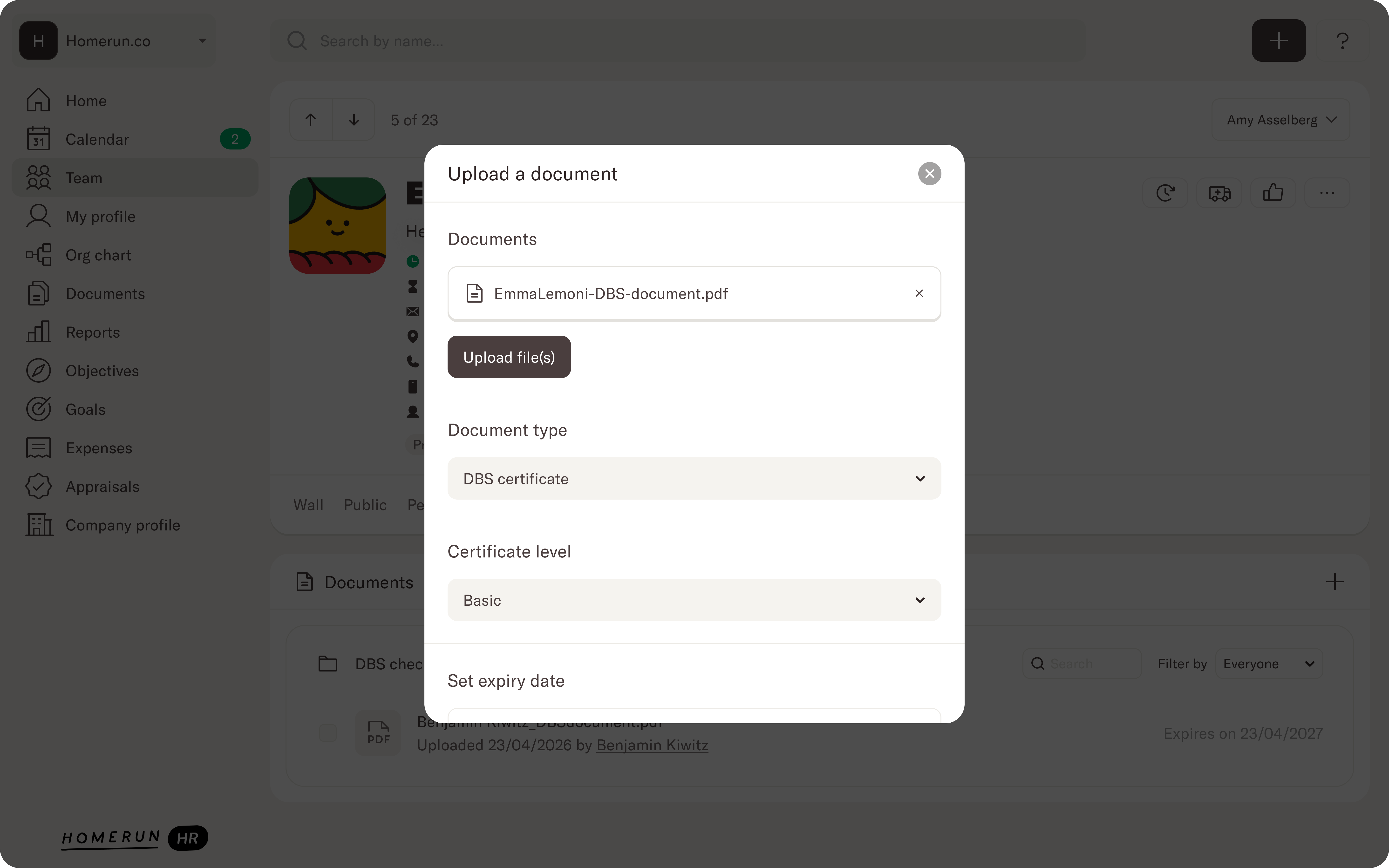
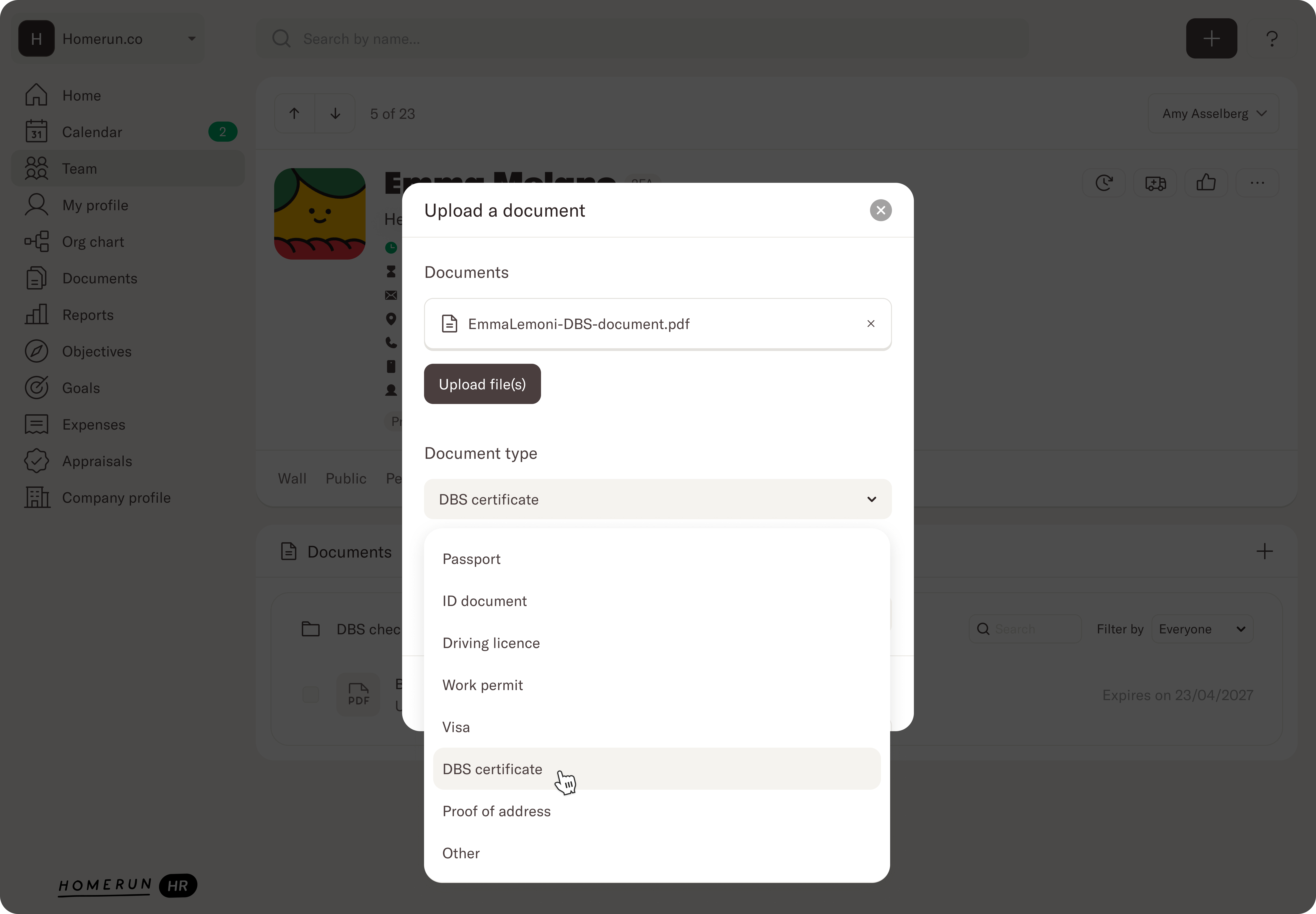
We've added a dedicated Compliance Documents section when uploading a new file to an employee profile. You can now choose a Document category when uploading a file and select the right category for the document you’re uploading. You can choose between DBS checks, passport, ID card, driver’s license, visa, proof of address, or other. DBS checks have an additional category where you can specify the correct level for the DBS check.
Expiry dates & reminders
Compliance documents don't last forever, and missing a renewal can cause real problems. When uploading a document, you can now set an expiry date and configure reminders so you're notified before anything lapses. A default reminder of 30 days is set automatically if none is configured, so nothing slips through the cracks.
Compliance overview report
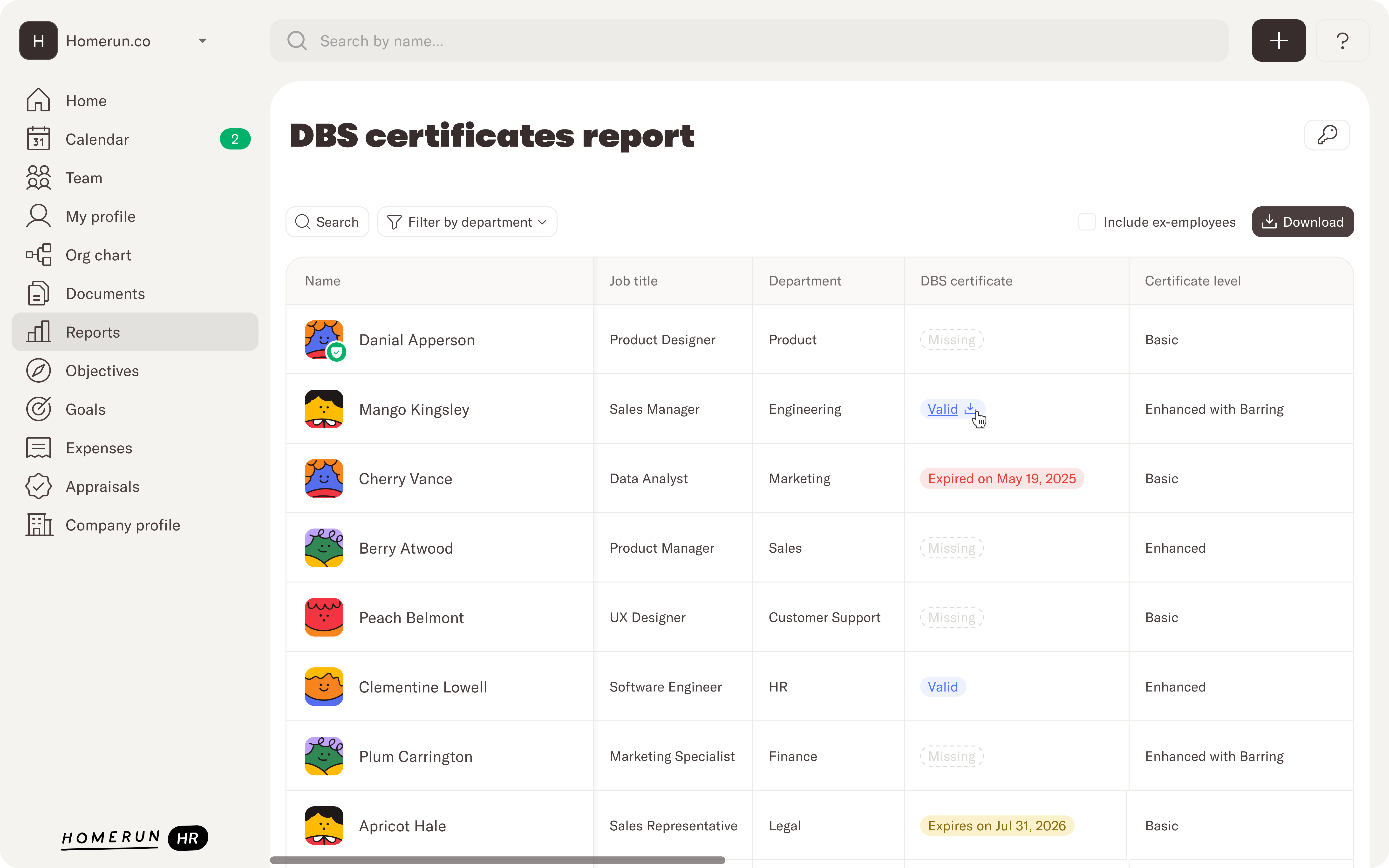
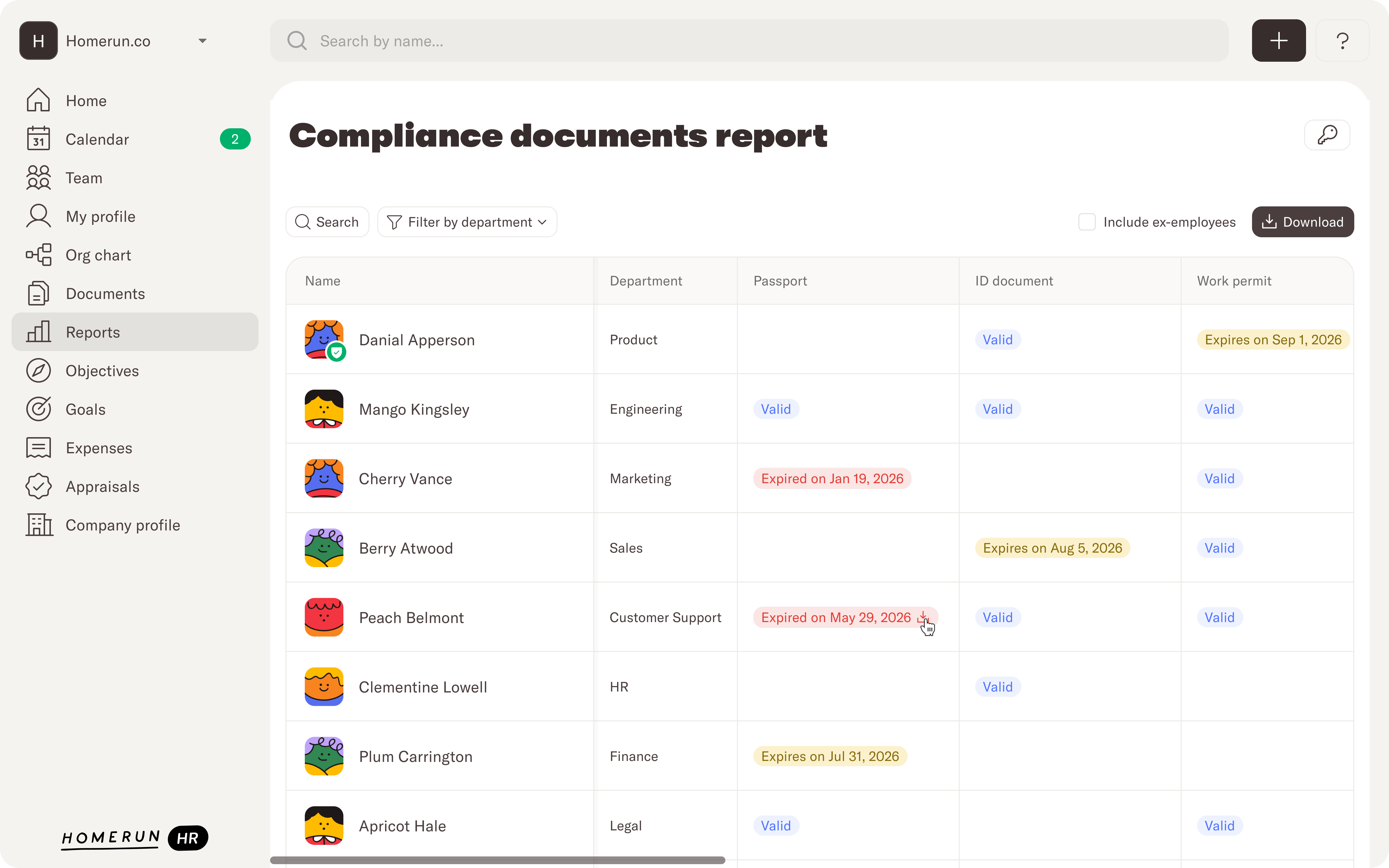
We've also added two new reports, a DBS report, and a Compliance report. The DBS report shows you a list of all employees, any DBS check that’s stored on their profile, the expiry date, and if it’s about to expiry or already has expired. The Compliance report works in a similar way where you view a list of employees and an overview of their compliance documents (ID’s, visa, proof of address, etc) and the expiry dates that are set. Both reports give you an at-a-glance view of document status across your team, showing what's missing, what's expiring soon, and what's up to date. No more digging through individual profiles to get the full picture.
We’ll continue to make changes to the way Documents work in Homerun HR so make sure to keep an eye on this page. These changes are available to all Homerun HR customers now. If you have questions about getting set up, visit our Help Center or reach out to our team.

.webp)