

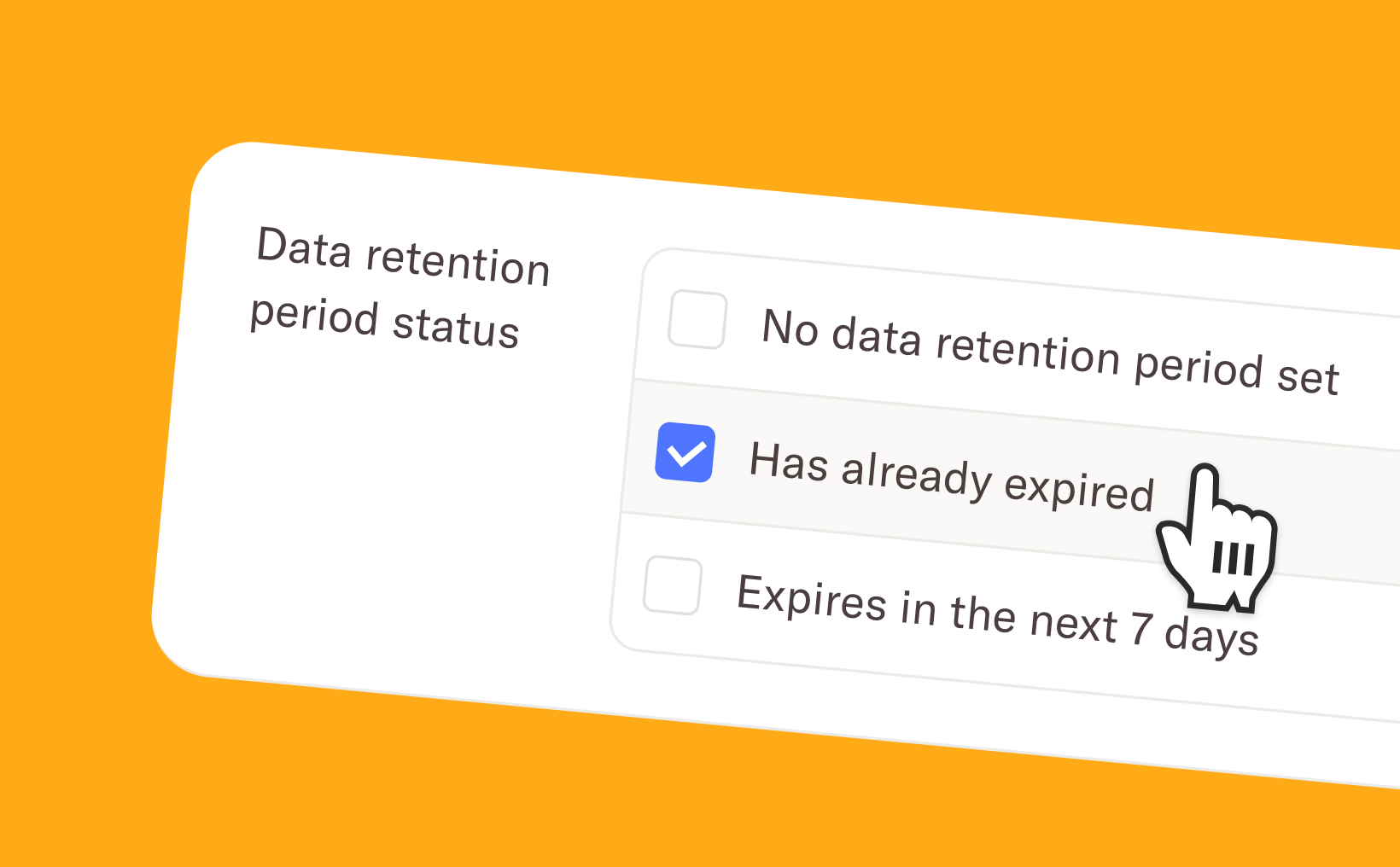
Improved filtering
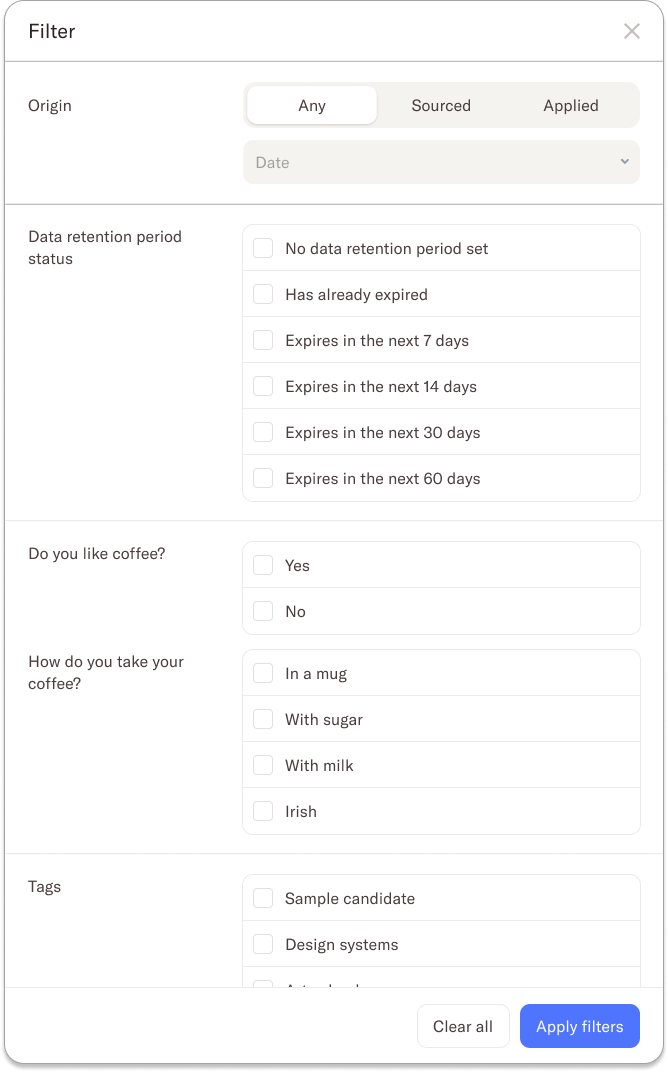
We’ve improved the filtering options in the candidate overview to give you a clearer picture of each candidate’s data retention status. You can now easily identify candidates whose data retention period has already expired, as well as those that are approaching their expiration date. This makes it simpler to prioritise follow-ups and take action before any deadlines are missed.
Bulk action
Managing data retention one candidate at a time could be slow and repetitive. You can now select multiple candidates and manage their data retention in bulk, saving you time and effort. With just a few clicks, you can send requests to extend data retention periods or manually update the retention period for all selected candidates at once.
Pending requests
We’ve added a new column to the table view that gives you a clear overview of the status of your data retention requests. You can quickly see whether a request is pending (including the suggested new date) or has already expired. Once a candidate accepts the proposed new data retention period, the “Data retention period” column is updated automatically, ensuring your overview is always accurate and up to date.
We hope these updates make managing data retention simpler and more transparent, while continuing to support your GDPR compliance. If you have any questions or need help, feel free to reach out to our team at support@homerun.co.
.webp)
.webp)