

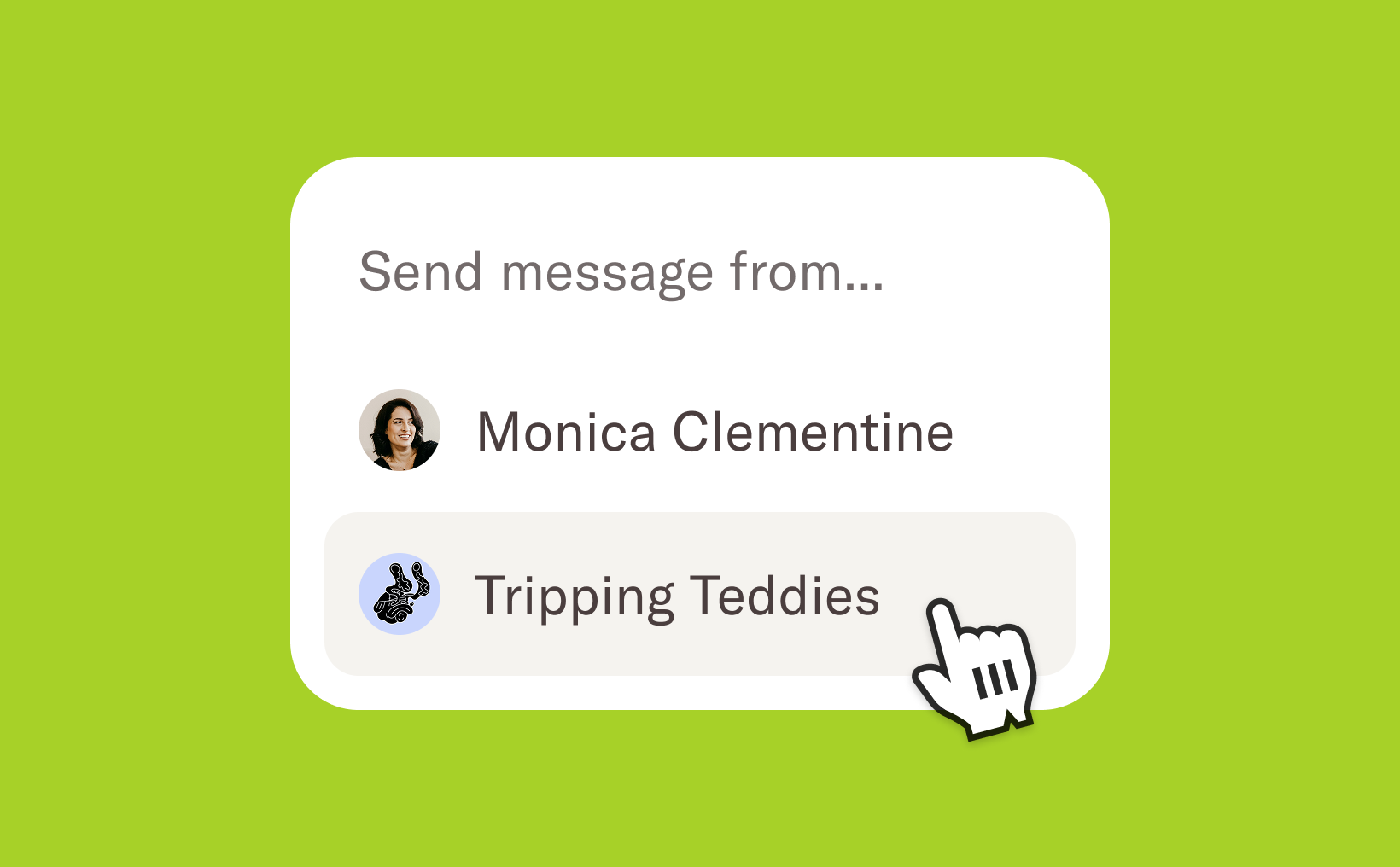
You can now choose how your emails appear to candidates—send messages from you personally, with your name as the sender, or on behalf of your company, using your company’s name. This helps you tailor communication to each stage of the hiring process, whether you’re reaching out with a personal touch or sharing official company updates.
Send from company
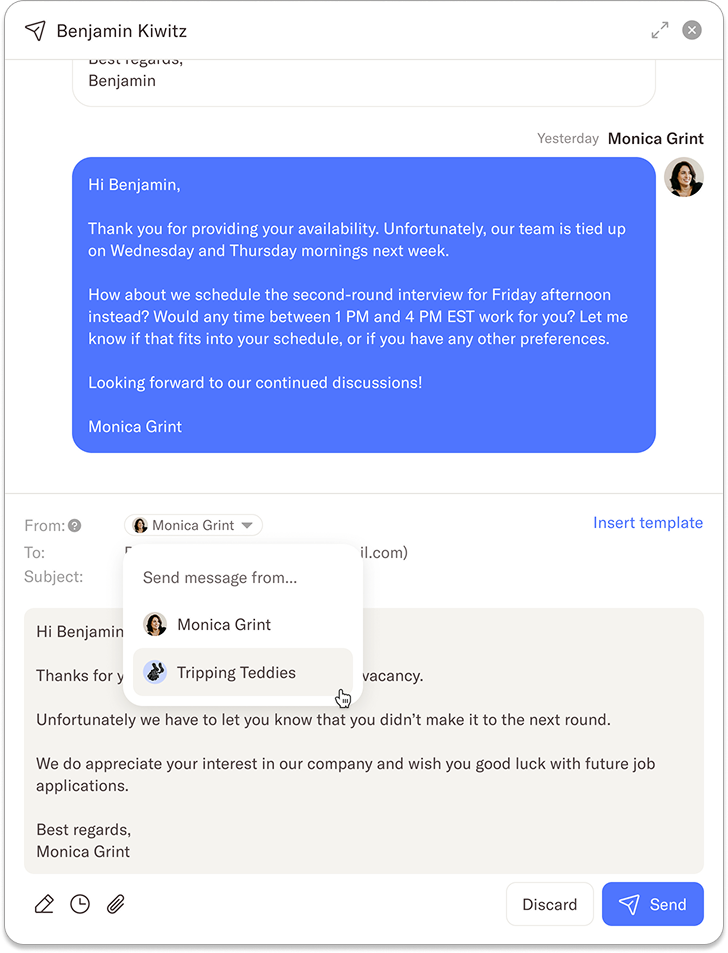
When you’re composing an email—whether to a single candidate or to multiple candidates in bulk—you can now choose who the sender should be. You can select either your own name or your company as the sender, depending on the tone and purpose of the message.
All existing email features will continue to work seamlessly when you change the sender. This includes scheduling emails to send later and using placeholders for personalized content.
Candidate communication
When emails are sent on behalf of the company, candidates won’t see an individual sender name or email address—the company will appear as the sender instead. Candidates can still reply directly to the email, and their response will automatically be added to the candidate’s timeline, keeping all communication in one place. You and your team will also receive a notification when a candidate replies, so everyone stays informed and can follow up quickly if needed.
The feature is available for users that have a “Full access” or “Can hire” role. If you have any questions about this feature, you can reach us at support@homerun.co.
.webp)

.webp)