

Send connect requests
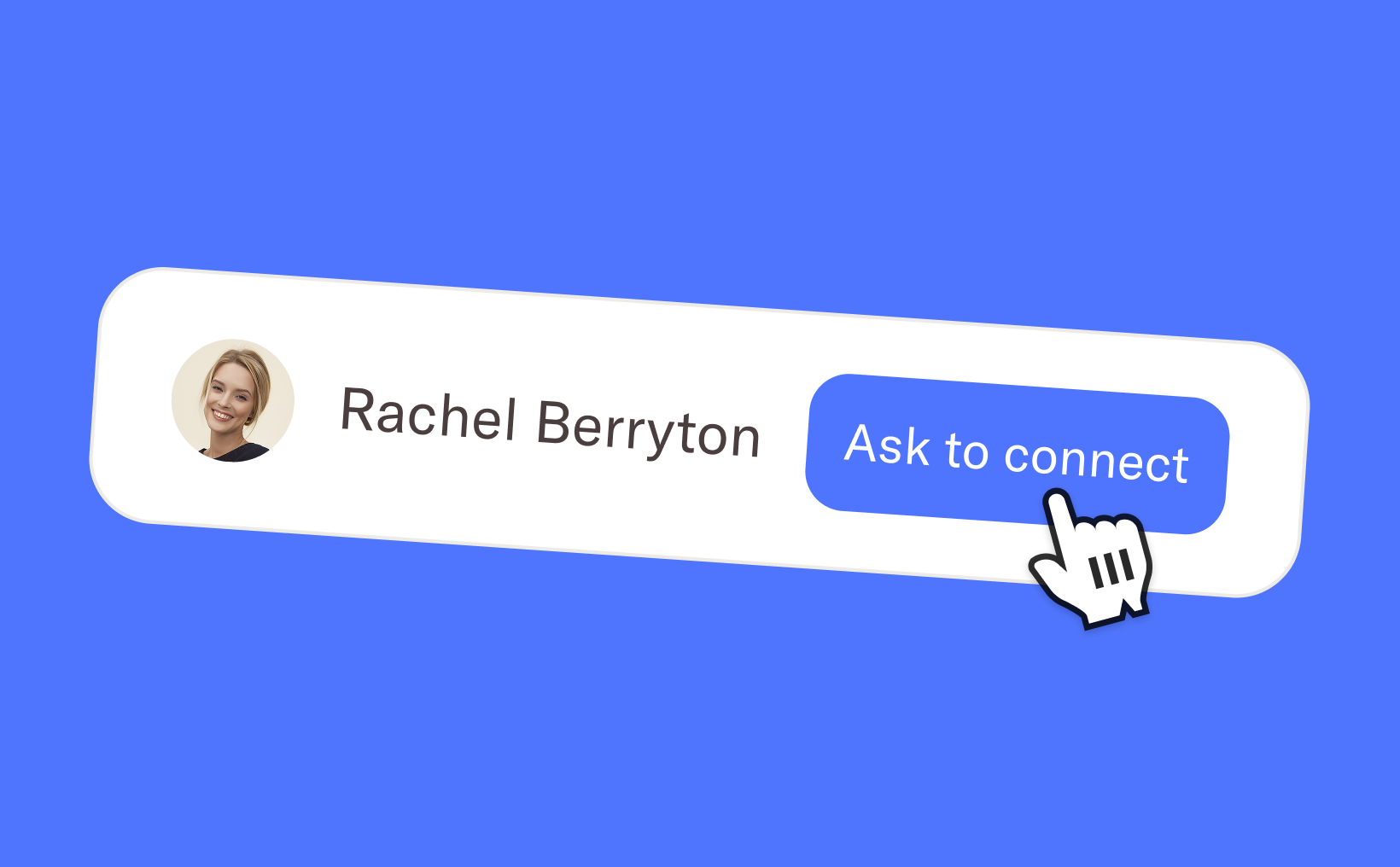
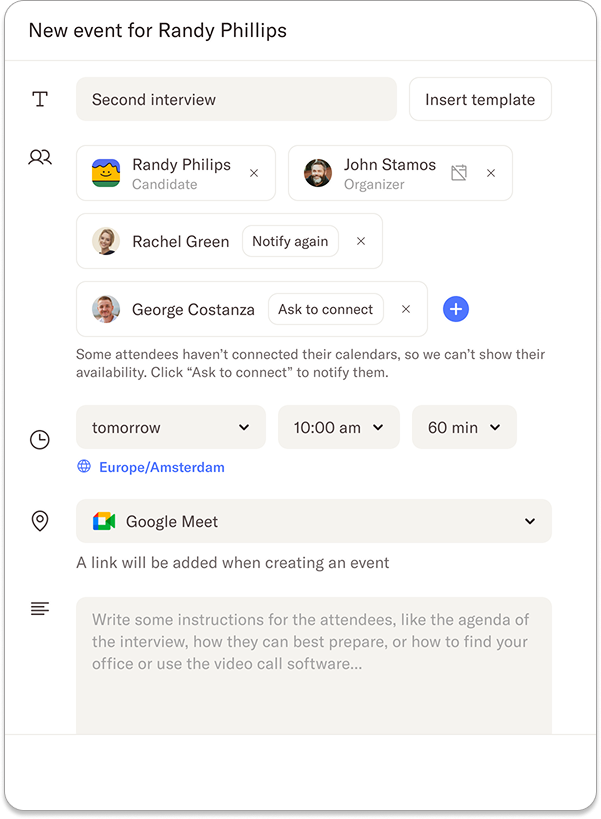
When setting up an event with a candidate, it’s important to have a clear overview of your team’s availability. If a team member hasn’t connected their calendar yet, their availability won’t appear in the scheduling view. This can make finding a suitable interview slot unnecessarily difficult and time-consuming. Instead of having to manually follow up with your team, you can now simply click the “Ask to connect” button to send them a request to connect their calendar.
Receive connect requests
Team members who receive a connect request will be notified both by email and through an in-app notification. The request will guide them directly to the Calendar section of their Homerun account, where they can quickly authorise access to their calendar. Once connected, their availability will immediately become visible, making scheduling interviews much smoother for everyone involved.
We hope these connect requests make it easier to see your team’s full availability and remove friction when scheduling events with candidates. If you have any questions about this feature, feel free to reach out to us at support@homerun.co.
%20(2).webp)
.webp)
.webp)