

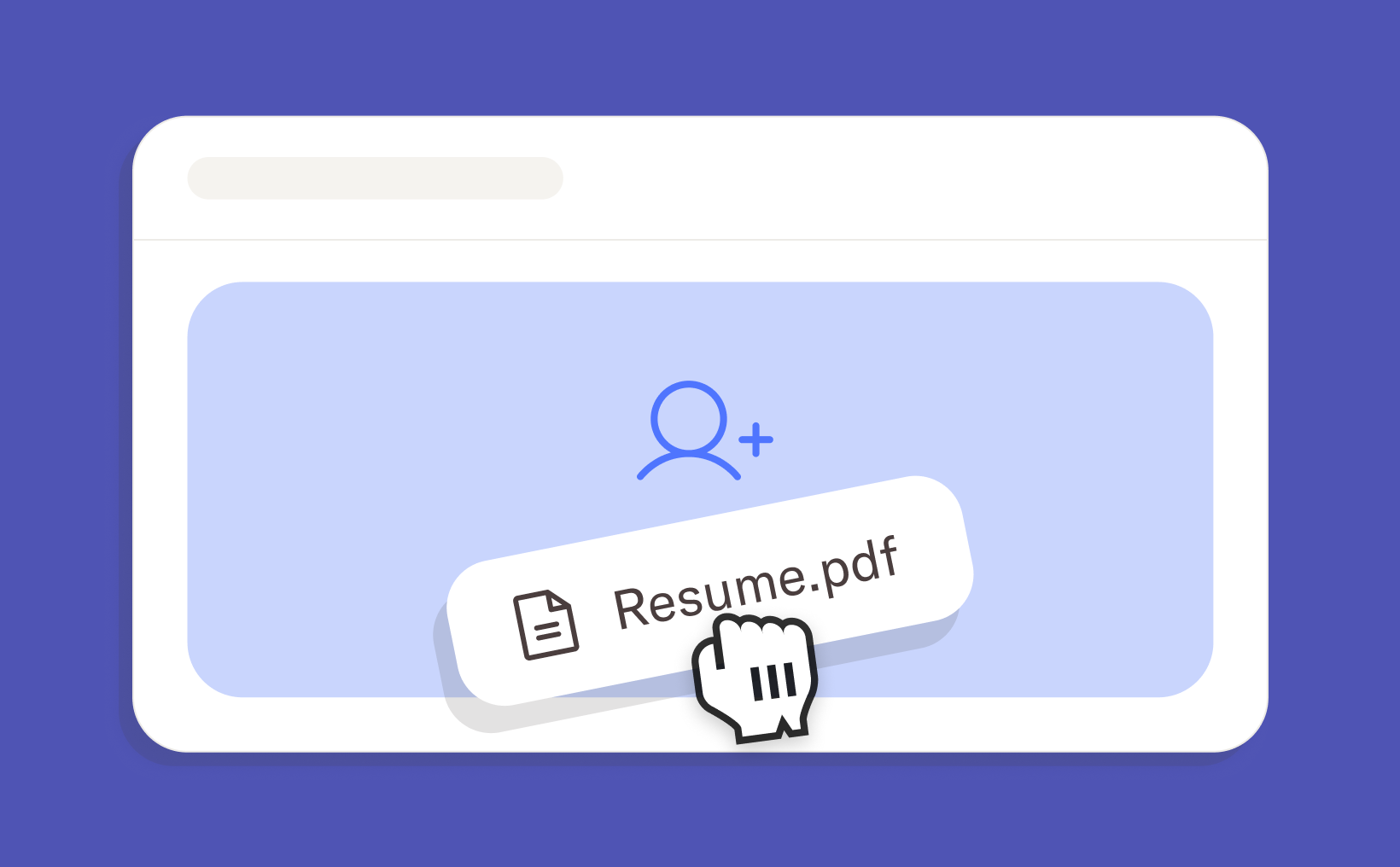
Upload a resume to create a candidate
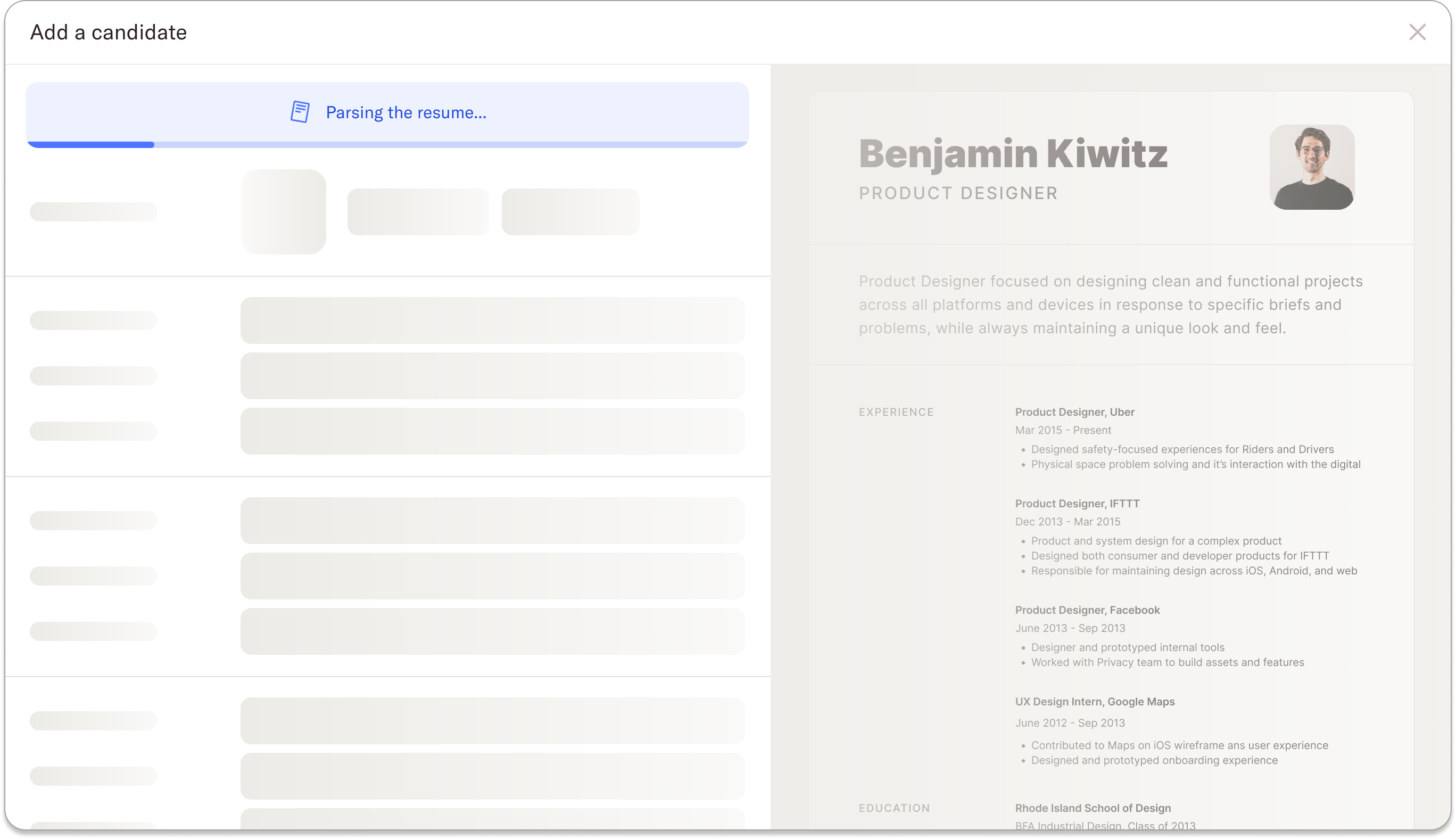
To create a candidate profile, simply upload a PDF resume to Homerun. Our system will then scan the resume to identify and extract important information, including contact details, websites, and any listed experience or education. Any available basic details will be added to the “Contact” and “About” sections of the candidate profile. We’ll also summarize the candidate’s work history and education and automatically populate the “Experience” and “Education” sections.
The uploaded resume will be attached to the candidate profile under “Files,” so you always have the original document available. Once the information has been mapped, you can review and verify the details before adding the candidate to your account.
Security and privacy
We use AI to map the information from the resume to the relevant fields in the candidate profile. The uploaded file is securely stored on our servers, and the data extraction and mapping process happens entirely within our own infrastructure — meaning the file is not sent to external servers for AI processing. This ensures your candidates’ information remains safe and private throughout the process.
.webp)
%20(3).webp)
.webp)