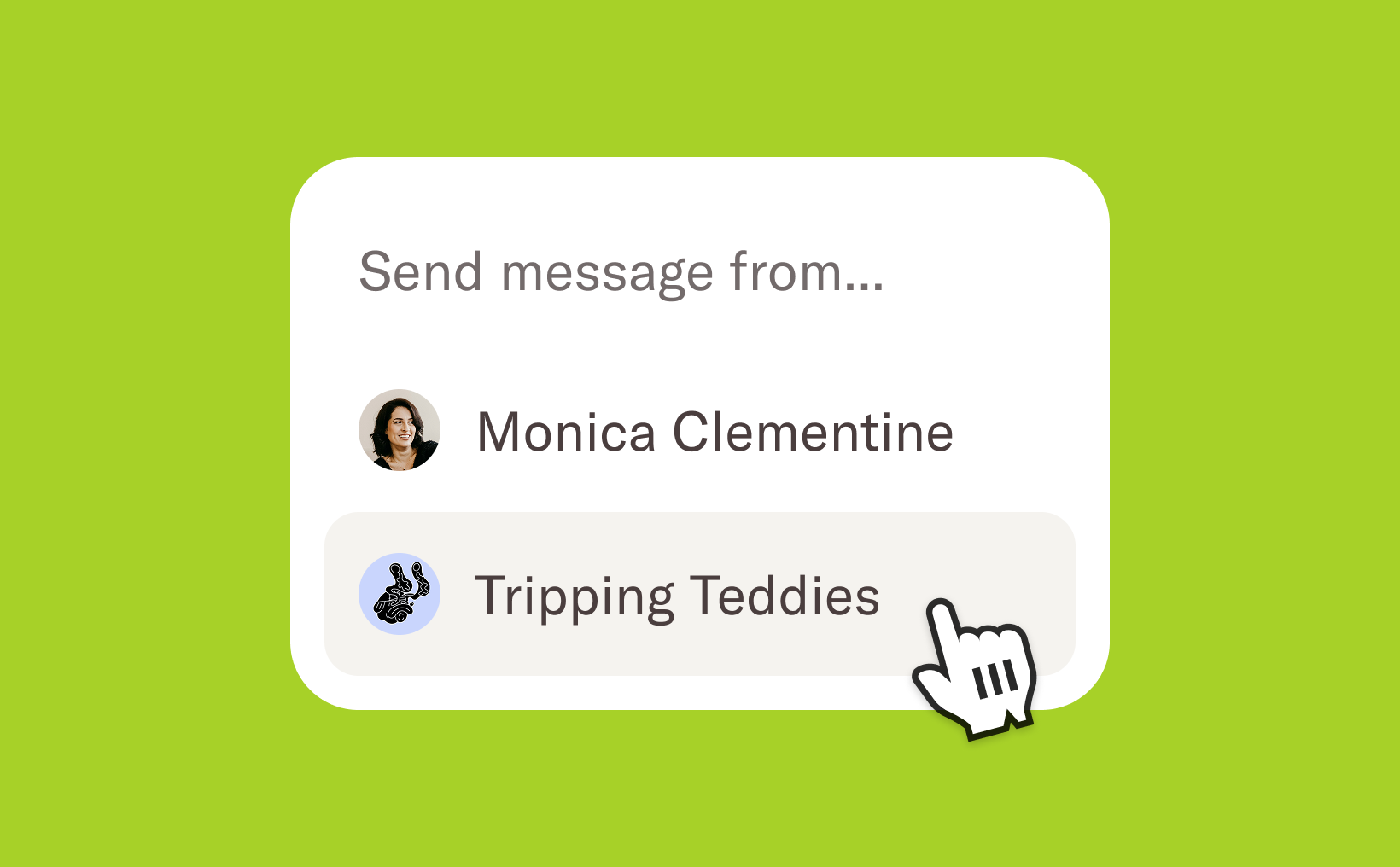


We’ve reorganised the account settings and introduced a new permission: Company settings. Users with this permission can access all pages grouped under the “Company” section in the settings. These pages include important company-level configurations such as your custom domain, privacy settings, public API, and custom code—settings that affect your entire Homerun account.
Less distraction
Not everyone on your team needs access to company-level settings. With this update, team members who don’t have the Company settings permission will now see a cleaner, more focused settings page. Only the sections relevant to their role will be visible, helping reduce distractions and making it easier for them to focus on what matters most: the hiring process.
Granular permission
As your team grows, roles and responsibilities tend to evolve. The new Company settings permission gives you more flexibility to assign the right level of access to the right people. You can ensure no one has permissions they don’t need, while also making it possible to grant access only to the “Company” section for users who don’t require broader settings access. This keeps your account both secure and well organised.
.webp)